Build parallel joins and conditional routes
Wait for two parallel branches before joining, then choose one route by amount.
Audience and outcome
For users who can run individual tasks and are ready to build parallel joins and conditional routes.
Before you start
Complete the shared preparation, then prepare the resources below.
| Resource | Requirement |
|---|---|
| Base tasks | Four published harmless SCRIPT tasks A/B/C/D that print their names; retries 0. |
Configuration
| Field / setting | Example value |
|---|---|
| Parallel edges | A→B, A→C, B→D, C→D |
| D condition / failure policy | ALL_SUCCESS / STOP |
| Exclusive gateway | Condition input.amount > 100; review priority 1/non-default; finish priority 2/single default |
Steps
1. Create node tasks
Save A/B/C/D with LOCAL and POWERSHELL, for example Write-Output 'A' followed by Start-Sleep -Seconds 1. If B/C publish variables, use distinct names such as branchB and branchC to avoid merge ambiguity.
2. Draw and publish the parallel job
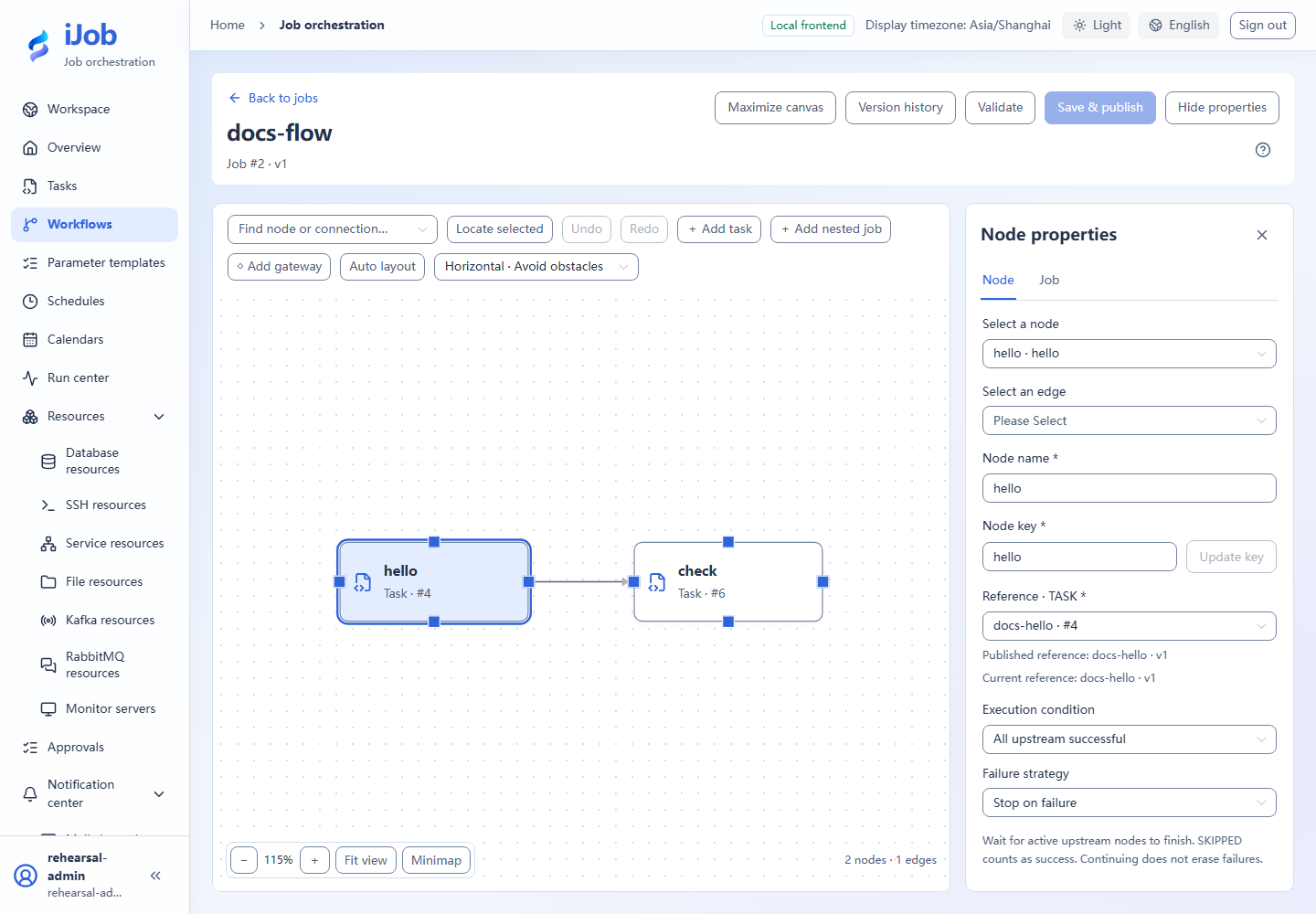
Create a job with the four task nodes and table edges; set D to ALL_SUCCESS. Validate, save/publish and inspect actual referenced versions.
3. Run and inspect the join
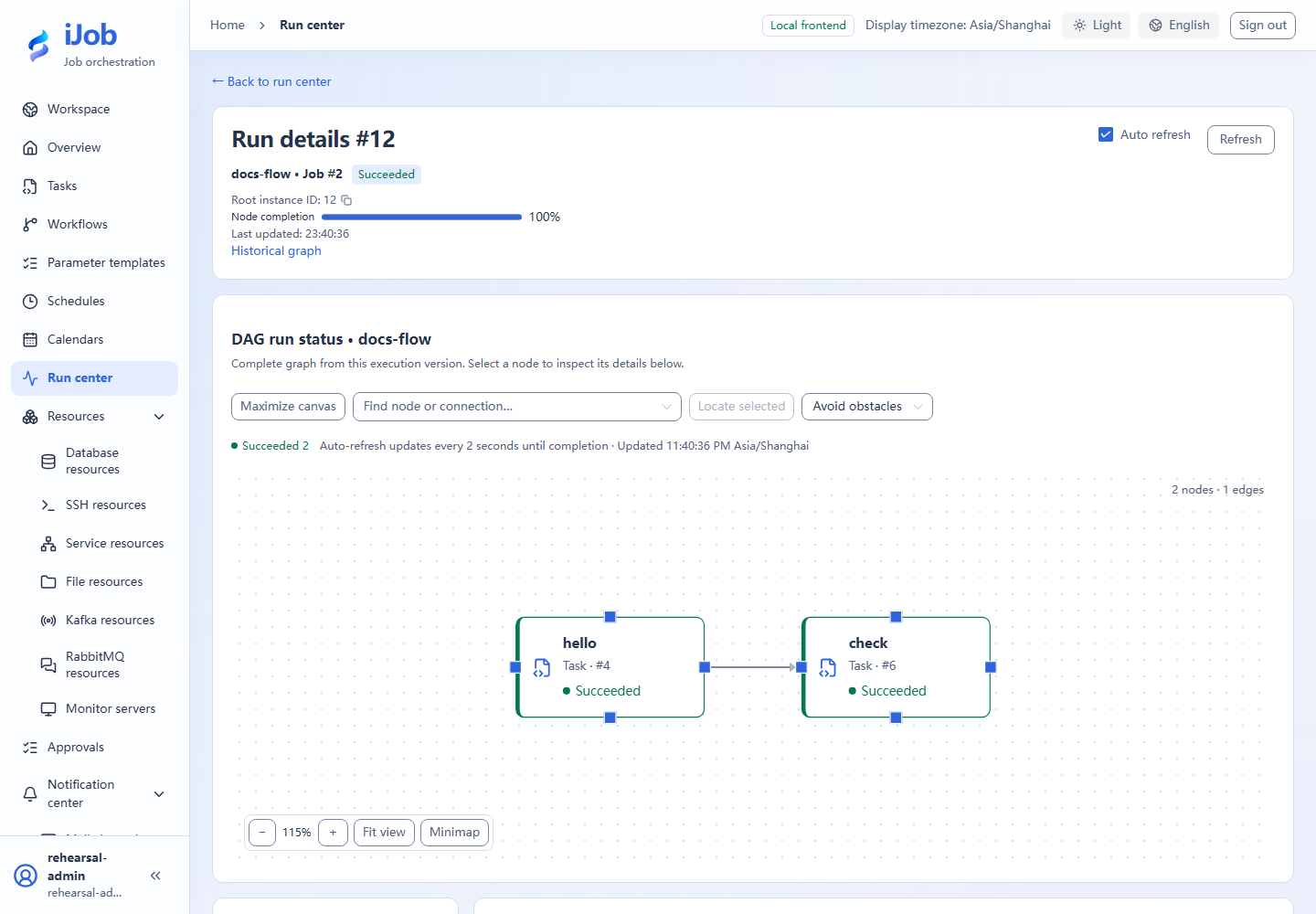
Run manually and inspect node timings. B/C start after A; D starts after both B/C finish. All nodes and root succeed. Actual B/C time overlap also depends on Worker capacity and concurrency limits.
4. Create a separate amount-routing job
Use “New job” to create a separate amount-routing example rather than leaving disconnected nodes in the parallel graph. First publish harmless SCRIPT tasks review and finish that print their own names.
Add exclusive gateway G and tasks review/finish, use G as the entry, then connect:
G -> review
G -> finish
Select the G-to-review branch and use the structured condition editor:
| Field | Value |
|---|---|
| Route key | review |
| Priority | 1 |
| Default route | Disabled |
| Operator | Greater than GT |
| Left type / value | Variable / input.amount |
| Right type / value | Literal / 100 (numeric, without quotes) |
For G-to-finish, set route key finish, priority 2 and the single default route, without a condition. Validate and save/publish.
Create a parameter form with optional INTEGER amount and no default. Load it when triggering; run once with numeric 150 and again with numeric 50. Only review runs in the first case and only finish in the second; the unselected branch is SKIPPED. Use numbers, not strings.
5. Optional: exercise missing input and failure
Trigger the amount-routing job with optional amount omitted. The unguarded comparison fails rather than choosing the default route. If the business flow accepts missing values, add an explicit EXISTS guard and inspect that variant separately.
Create a separate failure exercise with the A→B/C→D graph and a B script that exits 7. Compare B failure policy STOP; B policy SKIP with D=ALL_SUCCESS; and B policy SKIP with D=ALWAYS. Save/publish before each run and inspect downstream execution/skipping. The root remains FAILED in all three cases.
Expected results
| Check | Expected value |
|---|---|
| Parallel join | D waits for both upstream terminals; passing baseline root SUCCESS |
| Amount 150 / 50 | Select review / finish respectively; unselected branch SKIPPED and root SUCCESS |
| B fails (optional extension) | Root remains FAILED; inspect each downstream-policy variant separately |
Common failures
| Symptom | Action |
|---|---|
| Variable conflict | Use distinct names for different upstream outputs; do not depend on overwrite order. |
Safety and cleanup
Disable tutorial schedules and remove unwanted branch/failure copies without modifying tasks used elsewhere.
Version and limitations
Applies to 1.0.0 four-node joins and amount-based exclusive routing, using Windows PowerShell tasks. Missing inputs and alternative failure policies remain optional extensions. Existing interface references do not replace this four-node graph’s own results.
Interface reference
These are actual interface references for this capability. Names and instance IDs may differ from your run; follow the steps and expected results for extensions.